The tech who's seen it before.
WrenchSage reads the code, checks what your own team already fixed on this exact model, and calls out a bad assumption before it costs you a comeback.
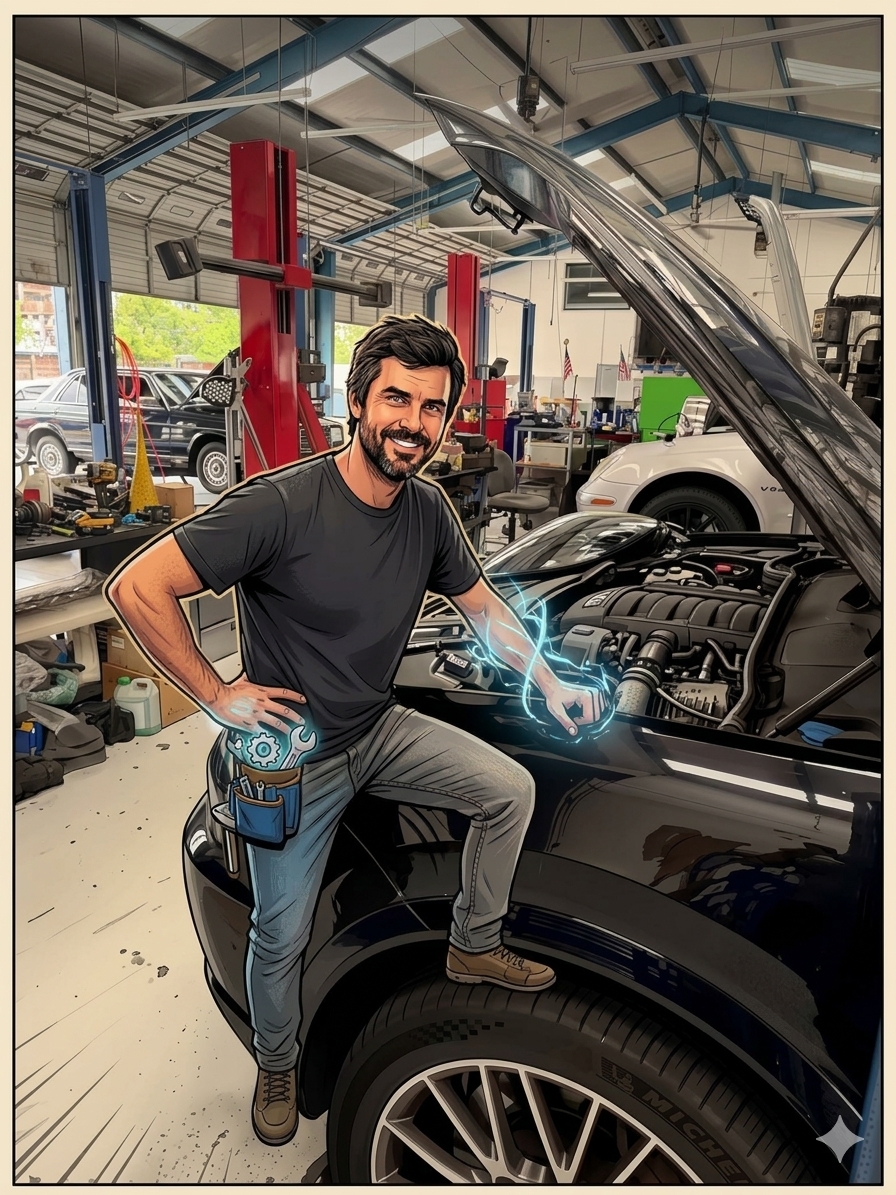
WrenchSage reads the code, checks what your own team already fixed on this exact model, and calls out a bad assumption before it costs you a comeback.
If a tech assumes a reading is fine when it isn't, WrenchSage says so — before the diagnosis goes any further.
Snap the scanner screen. It reads the code back to you before using it, so a misread digit gets caught, not trusted.
Some values only make sense in motion, fuel trims climbing, a voltage sweeping. Record a few seconds and it reasons through how the value actually behaves, not one frozen number.
Every confirmed fix, the code, the model, what actually worked, stays in your shop's own record. The next tech who hits it sees it first.
The same code means different things on a Mercedes than a Toyota. It knows the difference instead of giving the generic textbook answer.
An airbag complaint paired with a powertrain code gets flagged, not ignored, so an unrelated second issue doesn't get missed.
A team leaderboard, ranked by confirmed, documented fixes, not just codes logged.
Photo of the scanner screen, or type it manually. Either works.
Checks your shop's own confirmed fixes first, then reasons by make and model if nothing matches yet.
A quick note on the real fix, required before marking it closed.
Same code, same model, next time. They see it before they start guessing.
Mark a fault fixed and the note goes into a shared database — anonymized, no shop name attached. The next tech who hits that code, anywhere, sees your fix first.
See how it worksTap New car and enter the VIN. Year, make and model fill in on their own.
"Oil leak from the oil pan." "Front pads three millimeters." Only what you call out gets written up. One video per section: brakes, leaks, suspension.
A photo, the text for the video and a short customer write-up for every item. Read it over and fix any word on the phone or the laptop.
The car at the start, a clip of each finding with the text right on it, read out by the AI voice or the tech's own voice. Save it to Photos.
Send the video and photos to the customer or your shop software straight from Photos. Delete the car when you're done. Nothing is kept here.
Most customers skip a long write-up, but they'll watch a 30-second video that shows the leak and says what it is.
Open DVIBugs, ideas, anything that's slowing you down, goes straight to us.